
Discover how to wield the ultimate sender superpower with WhatsApp’s ‘Keep in Chat’ feature. From saving disappearing messages to sender controls, this guide unlocks the key to privacy and control in your chats

nanadwumor
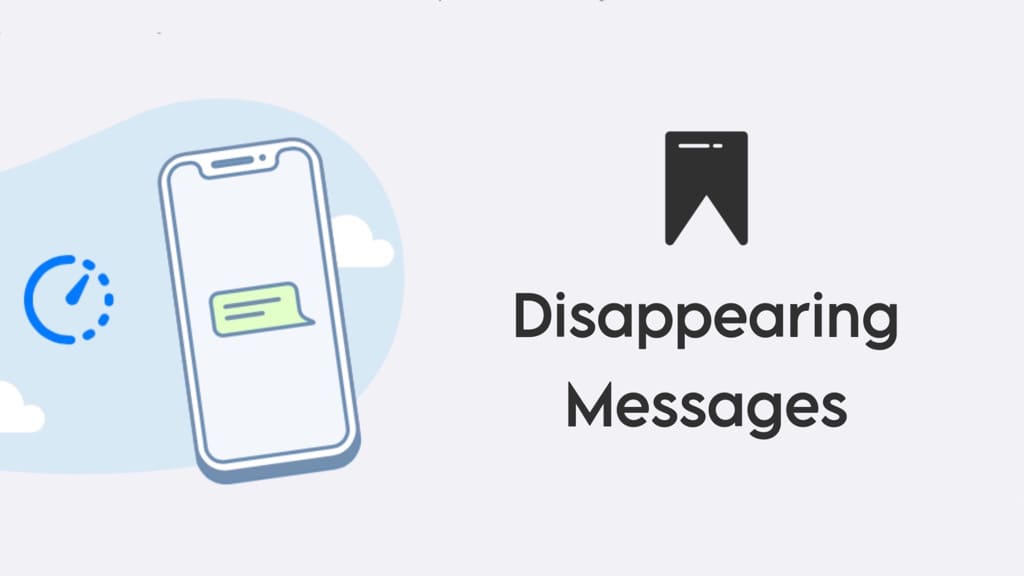
- WhatsApp’s ‘Keep in Chat’ feature allows message retention.
- Senders have the final say in message preservation.
- Users can access saved messages from the ‘Kept’ folder.
- Detailed steps simplify the process of using this sender superpower.
RECOMMENDED ARTICLES

Do You Gain or Lose Anything From Using Ad Blockers?
Ad blockers aren’t perfect, but they shield you from fraud and hidden trackers Blocking ads can reduce creator revenue Some ad blockers allow selective ads Check ad blocker privacy policies...

How To Block Companies like TikTok, Facebook etc From Tracking You
Companies like TikTok and Facebook can track you even if you don't have an account with them. Tracker-centric extension with adaptive blocking Two methods: shared updates or optional personal...

Never Keep Screenshots of Private Information on Your Phone Again
Spyware could be sneaking through your photo gallery to steal private information. Avoid storing passwords, crypto keys, or sensitive info in photo galleries Use password managers and keep...
Earlier this year, WhatsApp’s disappearing message feature, designed to make texts vanish after a specified time, introduced a new element: “Keep in Chat.”
This functionality enables users to retain specific disappearing messages, with the caveat that the sender holds the final say on whether a message can be saved.
Launched in April, this addition to the highly sought-after privacy setting is currently accessible in select countries.
If you’re interested in harnessing this “sender superpower” (as described by Meta), here’s how you can do it.
Step 1: Within your WhatsApp conversation, press and hold down on the message you intend to send.
Step 2: Choose the “Keep” option.
You can save a message as long as the duration time hasn’t elapsed.
Step 3: If you are the sender, you can either approve the message or choose to “unkeep” it.
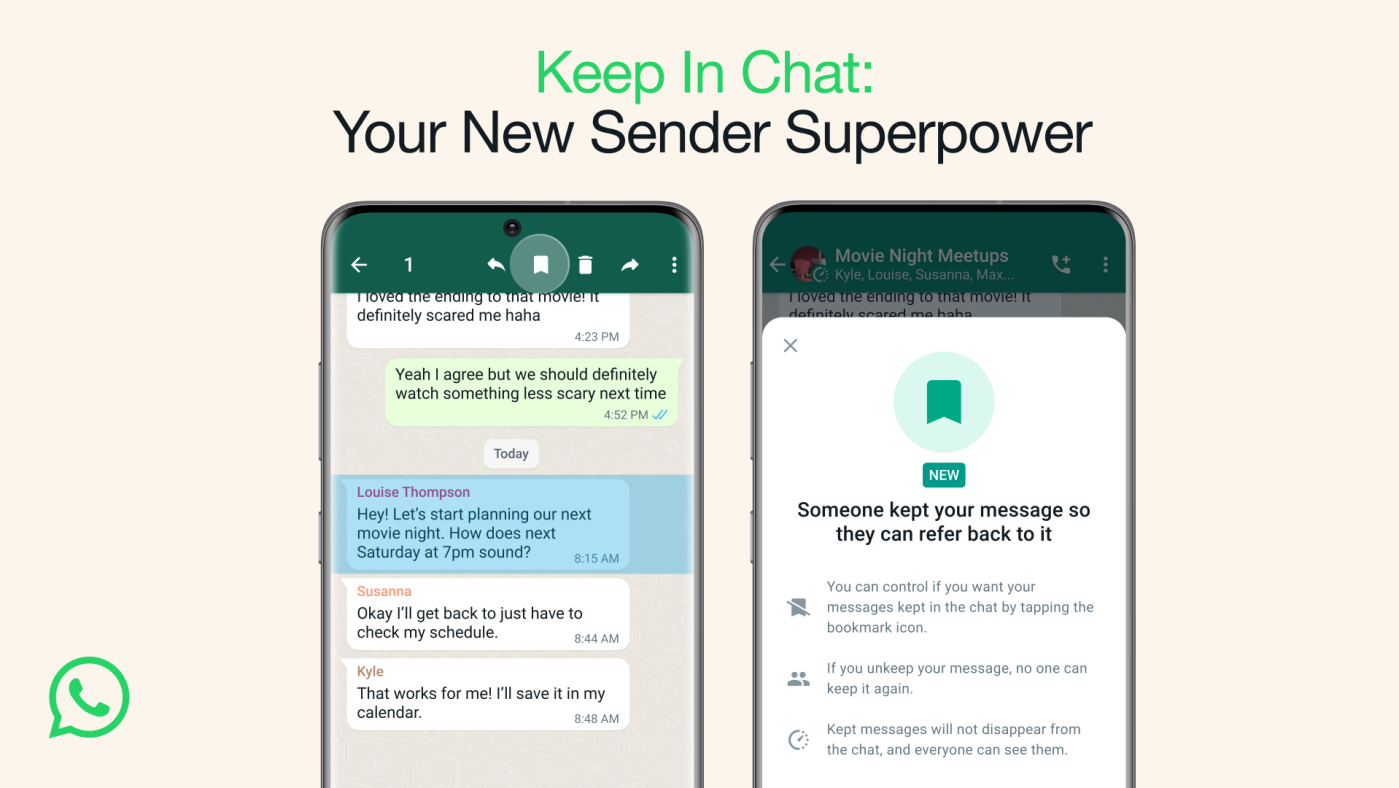
If you’re the one who sent the message, your decision on saving it is final. However, if you’re not the sender and you attempt to save the message, the sender will receive a notification.
They can then choose whether or not to “unkeep” the message based on their preference.
Step 4: You can access your saved messages at any time from the “Kept” folder.
Join Our Telegram Group
Join Our WhatSapp Group
You May Also Like…
Do You Gain or Lose Anything From Using Ad Blockers?
Ad blockers aren’t perfect, but they shield you from fraud and hidden trackers [Sassy_Social_Share...
How To Block Companies like TikTok, Facebook etc From Tracking You
Companies like TikTok and Facebook can track you even if you don't have an account with...
Never Keep Screenshots of Private Information on Your Phone Again
Spyware could be sneaking through your photo gallery to steal private...
0 Comments