
Never Keep Screenshots of Private Information on Your Phone Again
Spyware could be sneaking through your photo gallery to steal private information.

nanadwumor
-
Avoid storing passwords, crypto keys, or sensitive info in photo galleries
-
Use password managers and keep crypto keys offline
-
Check app developers, reviews, and permissions before installing
-
Enable security features like Google Play Protect and watch for malware signs
RECOMMENDED ARTICLES

How To Clean a Projector’s Screen Properly and Effectively Without Damage
Note that wiping should be done only horizontally but not in circles. This is to protect the delicate lenticular coating of the projector screen. Alternatively, you can wipe vertically. Flush...
Top 5 Reasons Why PCs Usually Crash. You Must Know!
There are quite a number of common reasons why your Windows PC will crash. Hardware Conflict Bad RAM BIOS Settings Hard Disk Drives Viruses RECOMMENDED ARTICLES We all experience it at least...

How To Clean a TV Screen Properly and Effectively Without Damage
Take the microfiber cloth and gently rub the surface of the TV set in circles to remove dust, smudges and any streak of unwanted trace. You may have to gradually increase pressure in order to get rid of obdurate stains. [Sassy_Social_Share title="Sharing is Caring"...
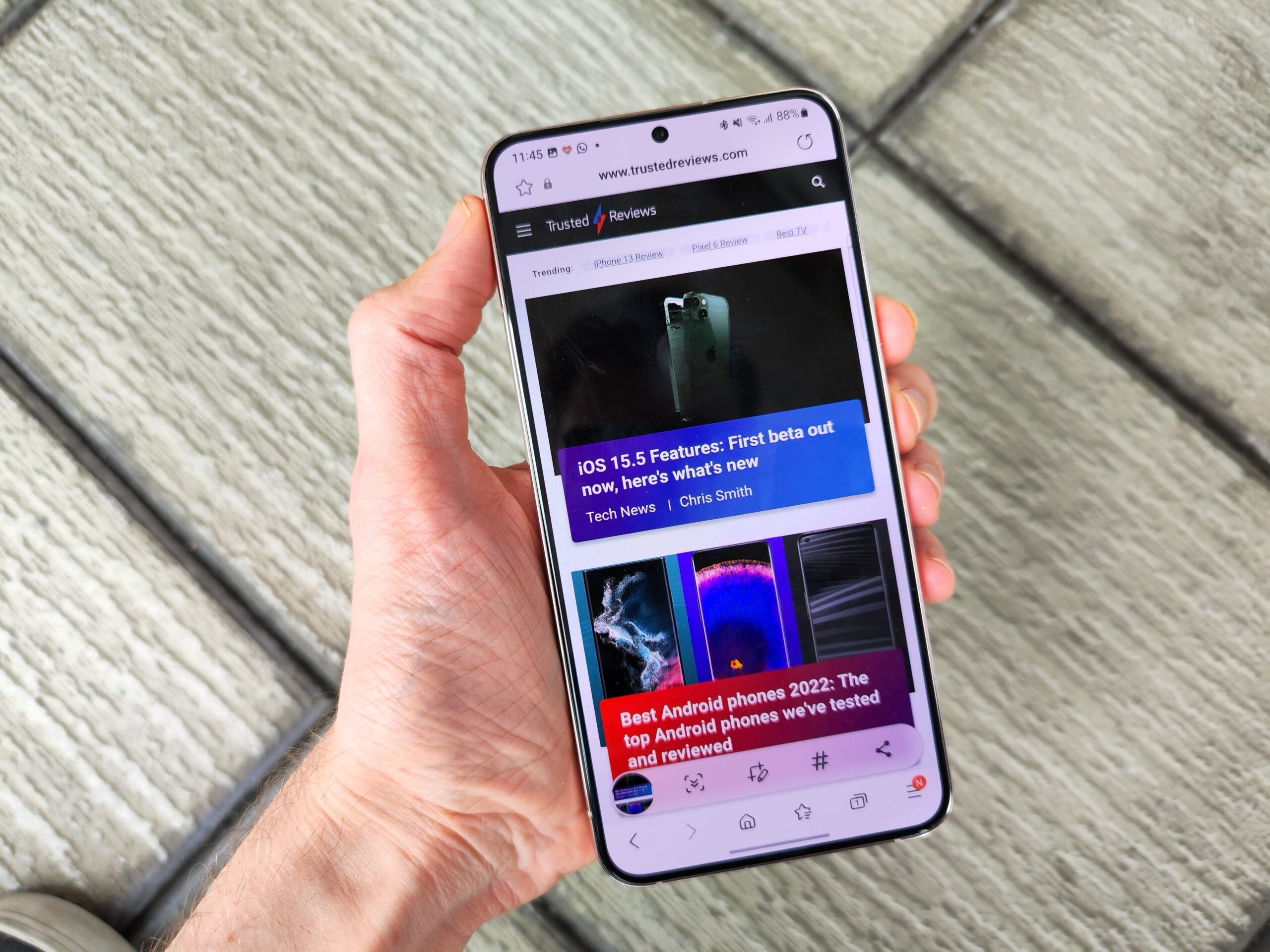
Screenshots containing passwords, crypto keys, or other private info should be deleted from your phone.
A new malware threat is spreading through official app stores and third-party sources.
Known as SparkKitty, it can access photo galleries on both iOS and Android, potentially stealing images and sensitive data, including cryptocurrency details.
On iOS, SparkKitty asks for gallery access, letting it track and upload new photos. On Android, it requests storage permissions to collect images, device info, and metadata, using OCR to target screenshots with text.
The malware spreads through harmful apps previously on official stores and via unofficial TikTok clones, including fake crypto, gambling, and casino apps.
SparkKitty may be a version of SparkCat, which targeted crypto wallets using OCR. Unlike SparkCat, SparkKitty takes images more broadly. Crypto theft seems the main aim, though stolen images could be used for extortion or other malicious purposes.
iOS and Android users can reduce risk by securing sensitive data and avoiding spyware like SparkKitty.
Never store screenshots of passwords, crypto keys, or private info in your gallery. Use a password manager for logins and keep crypto keys offline, ideally split into parts.
Be careful when installing apps from official or unofficial stores. Check developer history, read reviews critically, and watch for unusual permission requests, especially access to photos.
Enable security tools like Google Play Protect on Android and monitor devices for suspicious activity or signs of malware.
Join Our Telegram Group
Join Our WhatSapp Group
You May Also Like…
How To Clean a Projector’s Screen Properly and Effectively Without Damage
Note that wiping should be done only horizontally but not in circles. This is to protect the...
Top 5 Reasons Why PCs Usually Crash. You Must Know!
There are quite a number of common reasons why your Windows PC will crash. [Sassy_Social_Share...
How To Clean a TV Screen Properly and Effectively Without Damage
Take the microfiber cloth and gently rub the surface of the TV set in circles to remove dust,...
0 Comments